

If you are looking to build a massive library of PC games without spending a dime, there are plenty of completely legal and reliable options available. Regardless of whether you run Windows, Linux, or macOS, you can find high-quality free titles across various genres. When I first built my gaming rig, my wallet was completely empty, so I relied exclusively on these platforms to actually have something to play. I have rounded up the absolute best sites and applications where you can find free PC games. This list is in no particular order.
Epic Games Store
Coming from the creators of Fortnite and the developers behind Unreal Engine, the Epic Games Store has evolved into one of the premier destinations for securing free games.
- Weekly free games: You absolutely must check this store every single week. This week, they are handing out The Uroboros King and Warhammer 40K for free. When you claim a free game here, it stays in your library forever. I have snagged critically acclaimed $20 games this way without opening my wallet once.
- Free-to-play games: Beyond Fortnite, the store hosts major free-to-play hits like Rocket League, Genshin Impact, Fall Guys, PUBG Battlegrounds, and Destiny 2.
- Platform support: They offer an official launcher for both Windows and macOS. They also have mobile apps for Android, as well as iPhones and iPads in supported regions.
How do you track down these free games? Head over to epicgames.com, click on Browse, scroll down, and in the Filters menu on the right, drop the Price category down and check the Free option.
GOG
Formerly known as Good Old Games, GOG is owned by a co-founder of CD Projekt, the studio behind Cyberpunk 2077 and The Witcher series.
- Alongside modern releases, you can find legendary retro classics here that are unavailable anywhere else. These older games are specifically patched to run flawlessly on modern hardware. I once bought an old 90s RPG on a disc, spent hours trying to make it work on Windows 10, and failed—then I found it on GOG running perfectly out of the box.
- The platform’s biggest selling point is its strict anti-DRM policy. None of the games sold here have controversial background DRM software draining your system resources.
- They host a solid collection of free games, including entries from The Elder Scrolls, Quake, Shadow Warrior, and Ultima series.
Making a habit of checking GOG before buying a game anywhere else is a smart move.
Amazon Luna
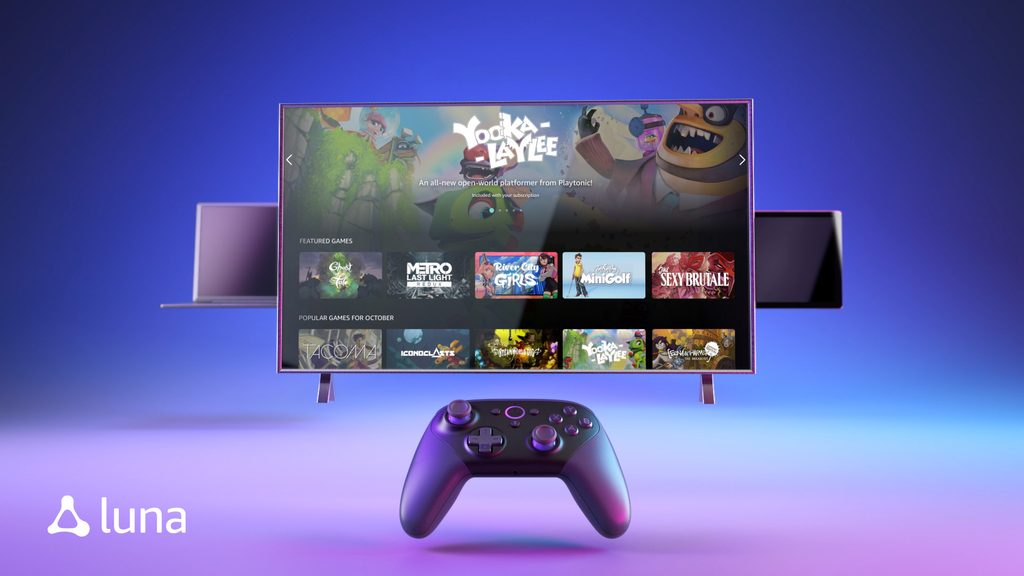
There is a heavily overlooked perk bundled with your Amazon Prime membership: you get basic access to the Luna cloud gaming service at no extra cost.
- Every single month, several premium games are offered for you to download and keep. This perk used to operate under the name Prime Gaming, but it has since been folded into Luna.
- Once you claim a game, it is yours permanently.
- These games are typically redeemed through partner platforms like the Epic Games Store and GOG.
- The current lineup features titles like Tested on Humans Escape Room, XCOM Chimera Squad, Mafia 3 Definitive Edition, and 16 others.
Steam
Since Steam is the undisputed heavyweight champion of PC gaming, we won’t spend too much time introducing it. They offer robust launchers for Windows, macOS, and Linux, but their massive catalog of free games is often overlooked.
How to find free games on Steam?
- Method 1: Navigate to the Browse menu and click on Free to Play. Here, you will find typical free-to-play titles that rely on optional in-app purchases to speed up your progression. You can filter this list by various genres if you want something specific.
- Method 2: Type free into the top search bar and hit Enter. This method usually pulls in a few paid games by mistake, so go to the filters on the right side and drag the Narrow by Price slider all the way to the left. Apply other filters as needed.
Among the massive sea of free games on Steam, PUBG Battlegrounds consistently stands out as a highly entertaining option.
Battle.net
Battle.net, the long-standing platform for Activision Blizzard, is now owned by Microsoft.
- This launcher is home to massive free-to-play titans like Overwatch 2, Hearthstone, Call of Duty Warzone, and Warcraft Rumble.
- They provide official desktop launchers for Windows and macOS, along with mobile companion apps for iOS and Android.
Itch.io

If you are a fan of highly unique, experimental indie games, this site is a goldmine. It hosts a massive array of both free and paid innovative titles.
- Depending on the specific game, you can download files for Windows, macOS, and Linux, or just play them directly in your web browser.
- To filter out the paid stuff, click on Free Games under the Games by Price section on the left sidebar.
- Since the platform hosts well over a million free games, heavily utilizing the search filters on the left is highly recommended to cut through the noise.
- They also offer dedicated desktop applications for Windows, macOS, and Linux.
EA App and ea.com
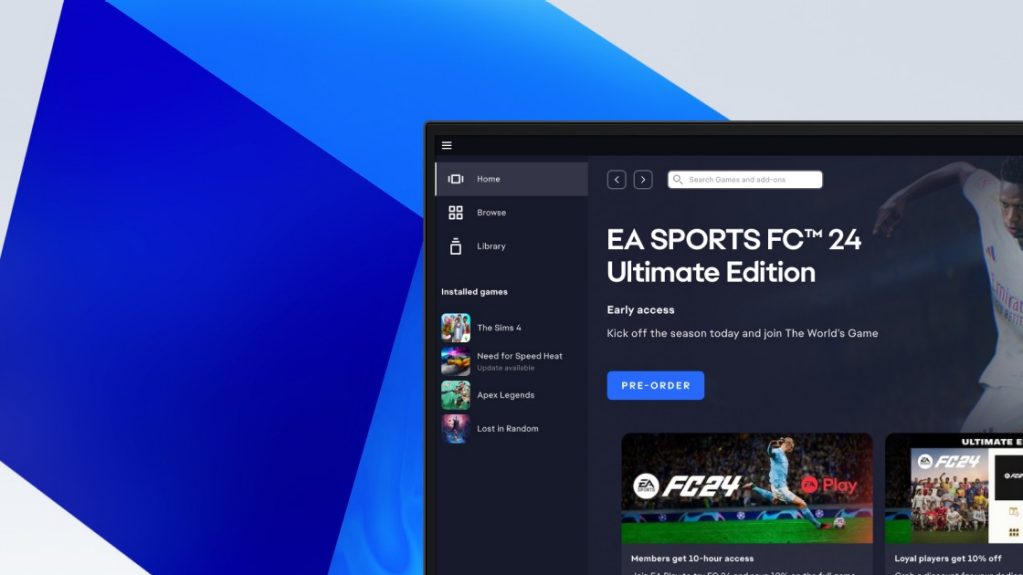
Electronic Arts, the powerhouse behind Madden, Battlefield, and Mass Effect, offers several highly popular free-to-play games across PC and mobile.
- Standout titles: The massively popular The Sims 4, which has been expanding for over a decade, and the fast-paced battle royale hero shooter Apex Legends. The Plants vs. Zombies games are also great casual options.
- EA app: This completely replaced the clunky Origin launcher a few years ago and is available for both Windows and macOS.
- Finding games via the website: Go to
ea.com, open the Games option in the top menu, and select Free-to-Play under the Games section. You will land on a comprehensive list of completely free titles.
Microsoft Store and Xbox app
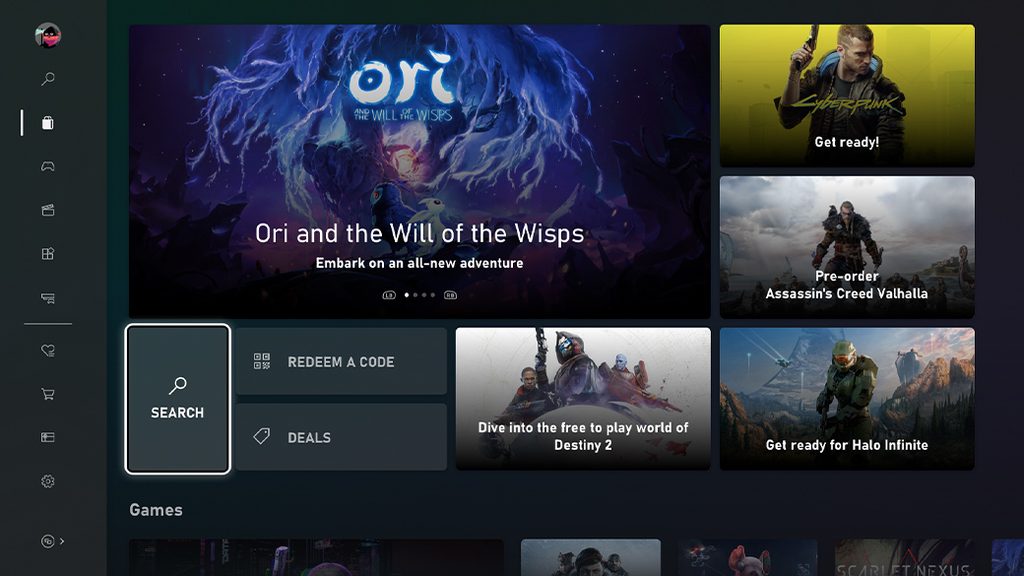
If you are running Windows, the built-in Microsoft Store is surprisingly decent for hunting down free games.
- Microsoft Store: Open the app, select Gaming from the left sidebar, and click on Free Games. The library is neatly organized into specific categories.
- Xbox app: Select Store from the left menu, type free games into the top search bar, and click Explore Games. You can use the Filters option to narrow down the results by genre. I once struggled to find a simple racing game here until I realized the genre filter was hidden in a dropdown menu.
Google Play
The Google Play store we all use on our Android phones is actually fully accessible on Windows computers now.
- Head over to
play.google.com. - Make sure the Windows tab is selected at the top.
- Scroll through the game library. The store clearly tags the paid ones, but the vast majority are entirely free.
- Open the game you want, click the Install on Windows button, and follow the on-screen instructions.
Is There Any Deal
This is not a digital storefront. It is a highly aggressive price comparison and deal aggregator site that tracks PC game prices across more than 30 online stores, including Steam. It is absolutely worth a bookmark.
- Click on the Giveaways option under the Games menu at the top.
- This page updates daily and specifically highlights games that normally cost money but are currently being given away for free across various storefronts.
- Make it a habit to check this page every few days so you don’t miss a limited-time drop.
gg.deals
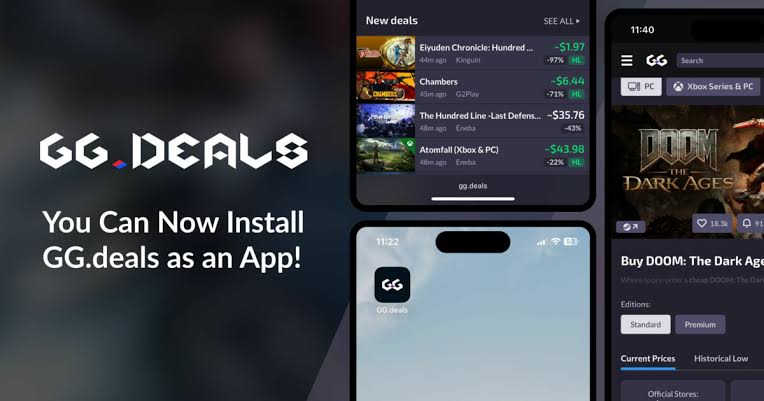
Very similar to Is There Any Deal, this is another video game price comparison site. However, it tracks deals not just for PC, but also for PlayStation, Xbox, and Nintendo Switch.
- To find the free stuff, scroll down the main page to the New section.
- Click the Freebies button located right next to the Bundles tab.
Conclusion
Building a massive PC gaming library for zero cost is easier than ever thanks to the Epic Games Store, GOG, Amazon Luna, Steam, Battle.net, itch.io, the EA app, the Microsoft Store, Google Play, and aggressive price comparison sites. Every single platform listed here is a secure, legal source. Regardless of which launcher you prefer, by simply keeping an eye on weekly and monthly free game drops, you can amass an incredible collection without spending a dime.